Skip to content
Custom Software

Custom software development for businesses that outgrew their apps

Portals, tools and dashboardsbuilt by engineers who know your industry.

Capture Marketing's engineers build the portals, internal tools, dashboards and integrations that off-the-shelf software cannot handle. We focus on construction, clinics, real estate and professional firms, so we start already knowing how your work flows.

The spreadsheet that runs the business

Your team spends hours a week moving data between apps.

Most growing businesses run on a stack of subscriptions that were never designed to work together. The CRM does not talk to the scheduling tool. Quotes are built in a spreadsheet and retyped into invoicing. Referral partners email files back and forth because there is nowhere to log in. Every workaround is reasonable on its own, and together they eat a part-time salary in copying, checking and chasing.

Large software firms are built for enterprise budgets and long timelines, and freelancers often disappear after launch. What a growing contractor, clinic, builder or firm usually needs is a small, well-built tool that fits one workflow exactly, connects to the software already in place, and has someone accountable for keeping it running.

Build, buy or connect

When custom software makes sense, and when it does not.

Custom software is built for one business's workflow instead of the average customer's. It is the right call less often than vendors suggest, and the wrong call more expensive than most expect, so the decision deserves care.

What is custom software development?

It is the design and build of software made for your specific process, users and data, rather than a product sold to thousands of businesses. For a local business it is usually something focused: a client or patient portal, an estimating tool, a dashboard that pulls numbers from several systems, an intake form that routes work, or an integration that keeps two products in sync. The code belongs to you, runs on infrastructure you control, and can change when your process does.

Custom software vs off-the-shelf: how to decide

Buy first when a well-supported product fits most of your process, because someone else carries the upkeep. Consider building when staff routinely export data to spreadsheets to finish their work, when manual steps repeat every week, when workarounds have become part of the process itself, or when the workflow is how you stand apart from competitors. A useful test: estimate the hours lost each week to the workaround, then ask whether a focused tool would pay for itself before the process changes again.

Integrations: the option between build and buy

Often the answer is not a new application but a connection. Most modern software exposes an API, a documented way for programs to exchange data. An integration can push new bookings from your website into your practice software, sync signed quotes into accounting, or feed CRM and ad data into one dashboard. It keeps the tools your team already knows and removes the retyping in between. We look for this route first because it is usually faster and cheaper to maintain.

What a good build process looks like

Sound projects start small. We map the workflow with the people who do it, agree on a first version that solves the most painful part, and show a clickable prototype before writing serious code. Development runs in short cycles with working demos, so you see real progress and can change direction early. Testing, documentation and a launch plan are part of the build, not extras added at the end. After launch, we monitor, fix and improve as real use reveals what matters.

Ownership, security and handling client data

Ask any developer three questions: who owns the code, where does the data live, and who can access it. With Capture Marketing, code is delivered to a repository registered to your business, hosting accounts are in your name, and access follows least privilege, meaning each person and system gets only what it needs. For clinics and firms handling personal or health information, we design for Canadian privacy expectations from the start and keep sensitive data in the systems built to hold it.

What we build by industry

Tools shaped around the way your industry actually works.

Construction and trades

Contractors lose time between the site and the office. We build estimating and quoting tools that use your own pricing logic, job intake forms that create work orders with photos attached, customer portals that show project status and change orders, and dashboards that join CRM, scheduling and invoicing data so owners can see pipeline and job profitability in one place.

Medical and aesthetics

Clinics need tools around their practice software, not instead of it. We build referral portals for specialists and referring offices, intake and consent workflows, treatment enquiry routing, and reporting that joins booking and marketing data. Patient health information stays in the systems designed to hold it, and every tool is scoped with privacy obligations in mind from the first conversation.

Real estate and development

Builders and brokerages juggle registrants, inventory and partners. We build buyer registration and allocation tools for project launches, inventory and pricing dashboards for sales teams, broker and agent portals for co-operating partners, and integrations that move registrant data from landing pages into your CRM with project and unit preferences intact.

Professional services

Law, accounting and financial firms trade on trust and turnaround. We build secure client portals for document collection and status updates, intake tools that gather the right information before the first meeting, deadline and engagement trackers, and integrations between practice management, billing and CRM tools so staff stop re-entering the same client details.

What our engineers deliver

Focused software, built, launched and looked after.

Discovery with the people who do the work

We sit with the staff who live the workflow, not just the owner, so the tool fixes the real bottleneck instead of the assumed one.

Clickable prototype before code

You see and click through the screens before serious development begins, which is the cheapest moment to change your mind.

Portals, internal tools and dashboards

Web applications for clients, partners and staff, built on modern, widely used frameworks that other developers can pick up.

Integrations with your existing stack

Connections to your CRM, booking, accounting and practice software through their APIs, so data moves once and stays consistent.

Code and accounts in your name

Repository, hosting and domains registered to your business, with documentation written for whoever maintains it next.

Support after launch

Monitoring, fixes, updates and new features from the same engineers who built it, for as long as you want us involved.

From idea to working tool

Small first version, then build on what gets used.

  1. Weeks 1 to 2

    Scope the workflow

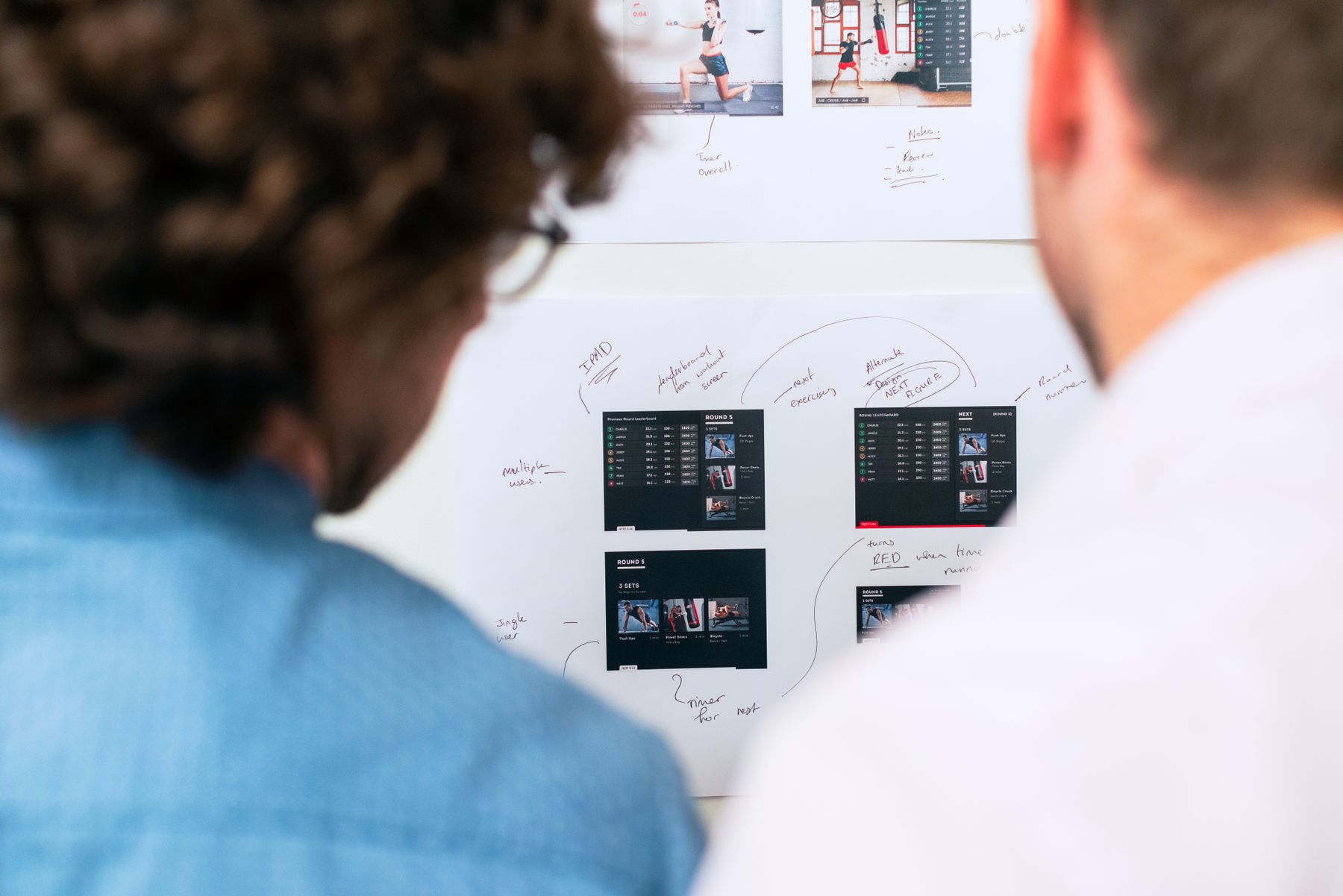
    We map the process, the users and the systems involved, and agree on the smallest first version that removes the most painful manual work.

  2. Weeks 3 to 4

    Prototype and confirm

    A clickable prototype of the key screens, reviewed with the people who will use it, then adjusted until it fits how they work.

  3. Build cycles

    Develop and demo

    Development in short cycles with a working demo at the end of each, plus testing against real data before anything reaches your team.

  4. Ongoing

    Launch and support

    A planned launch with training, then monitoring, fixes and new features as real use shows what to improve next.

What you own at the end

Working software and everything needed to keep it running.

  • Workflow and requirements document

    The process, users, data and first-version scope, agreed before the build starts.

  • Clickable prototype

    The key screens as an interactive mock-up, reviewed and approved by your team.

  • Production application

    The finished portal, tool or dashboard, deployed and in use.

  • Source code repository

    Full code history in a repository registered to your business.

  • Hosting and environment setup

    Production and test environments in accounts you control, with backups configured.

  • Integration documentation

    Which systems connect, how, and what to check if a connection stops working.

  • Access and security summary

    Who and what can reach each part of the system, and how access is granted or removed.

  • User guide and training

    Plain instructions and a recorded walkthrough for the people using it daily.

FAQ

Custom Software, your questions answered.

Straight answers on contracts, pricing, ownership and how we work.

Ask us on a call
When should a business build custom software instead of buying it?+

Build when an off-the-shelf product cannot handle a workflow that matters, and the workaround costs real hours every week. Signs include constant spreadsheet exports, retyping data between apps, and processes that set you apart from competitors. If a well-supported product fits most of your needs, buy it, and consider a custom integration to close the gap instead of a full build.

Why would a marketing agency build software?+

Capture Marketing was founded by engineers, and our Director and Lead Developer holds a computer science degree. Modern marketing already runs on software: CRMs, booking systems, portals and integrations. Because we work inside those systems for our clients every day, we see where they break, and building the missing piece is a natural extension of that work.

Who owns the code and the data?+

You do. Code is delivered to a repository registered to your business, hosting and domains sit in accounts you control, and your data stays yours. Everything is documented so another developer could pick it up. You keep it all whether or not you continue working with Capture Marketing after launch.

How long does a custom software project take?+

It depends on scope, which is why we start with a short, focused first version. Discovery and a clickable prototype typically take a few weeks. A focused portal, internal tool or integration can follow in a series of short build cycles. Larger systems are split into phases, each one useful on its own, so you get value early rather than waiting for everything at once.

Can you connect the software we already use instead of replacing it?+

Often, yes, and we look at that option first. Most modern CRMs, booking systems, practice management tools and accounting products offer APIs that let them exchange data. A well-built integration keeps the tools your team already knows and removes the manual copying between them. We confirm what each product allows before recommending anything.

Do you support the software after it launches?+

Yes. The engineers who built it stay available for monitoring, fixes, security updates and new features. Software changes as your business does, so most clients keep us involved after launch to handle what comes next. If you would rather bring maintenance in-house or move it elsewhere, the documentation and code handover make that straightforward.

Show us the spreadsheet your business depends on.We will show you the tool it should be.

Book a 30-minute strategy call with a strategist and an engineer. You leave with a diagnosis of what is holding growth back, whether or not we work together.